
Write
Take notes in Markdown with live preview.
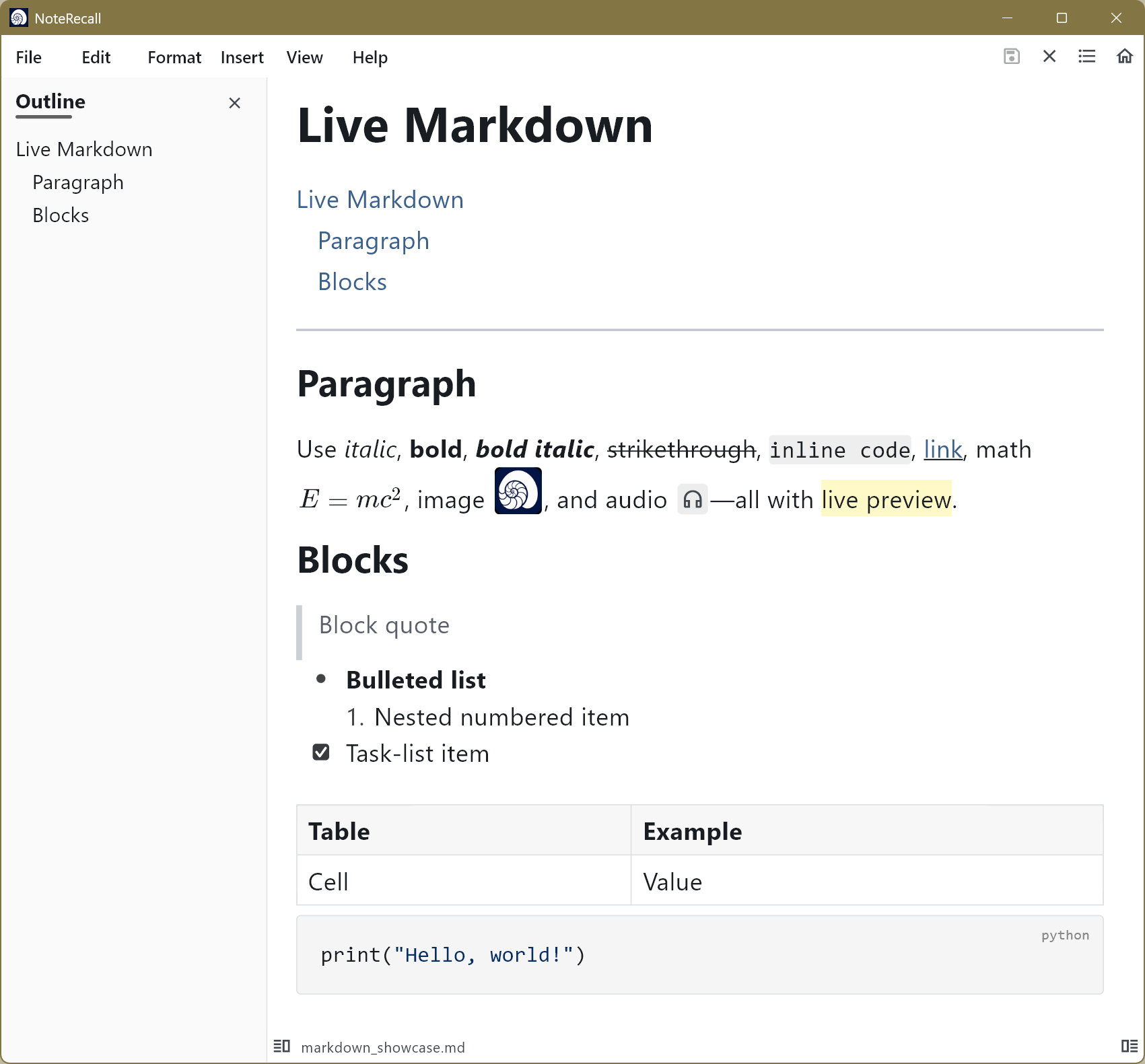
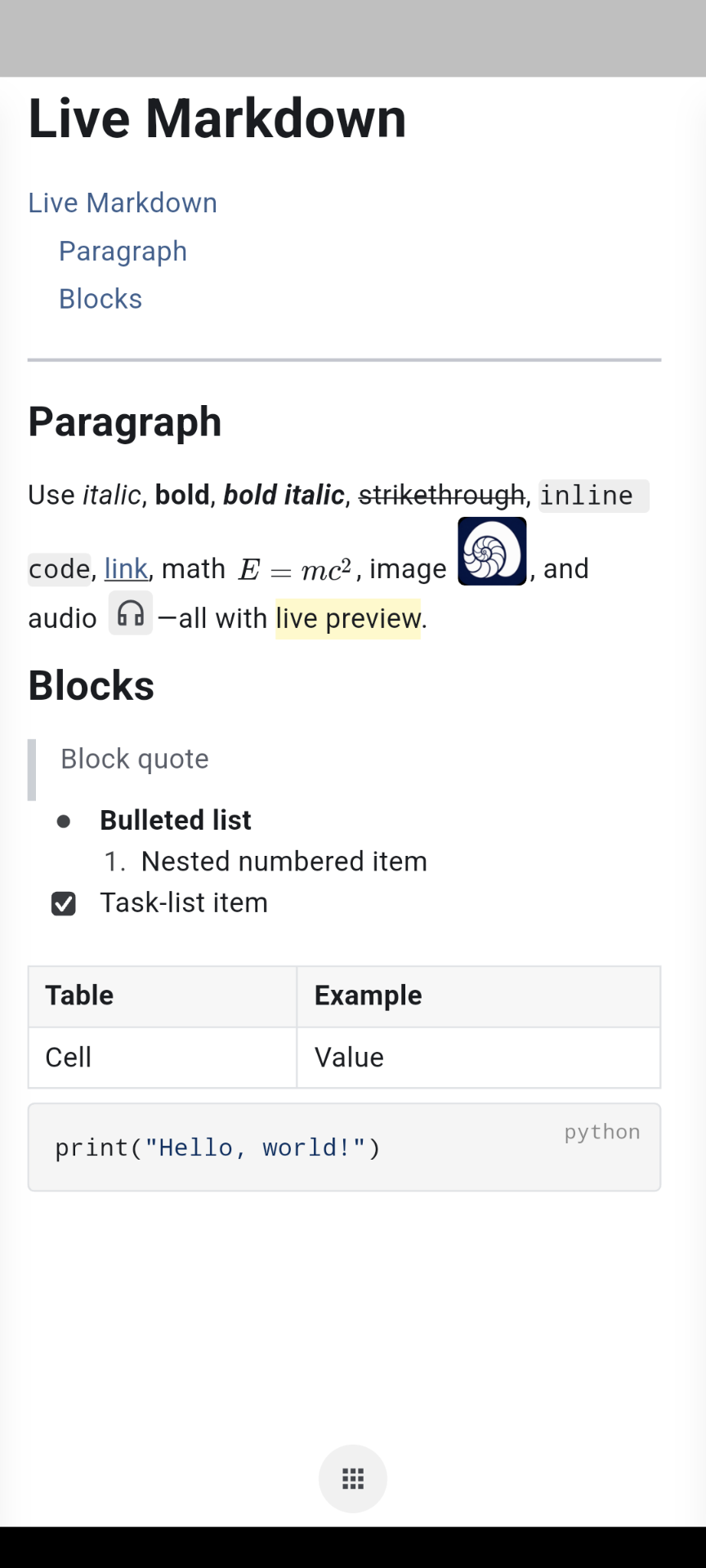
Work in a structured live editor while your ideas remain ordinary Markdown. Organize with headings, lists, tables, media, diagrams, math, and multiple panes.
Features
NoteRecall keeps writing, remembering, searching, and planning close at hand—with fewer steps between a thought and the work.
Work in a structured live editor while your ideas remain ordinary Markdown. Organize with headings, lists, tables, media, diagrams, math, and multiple panes.
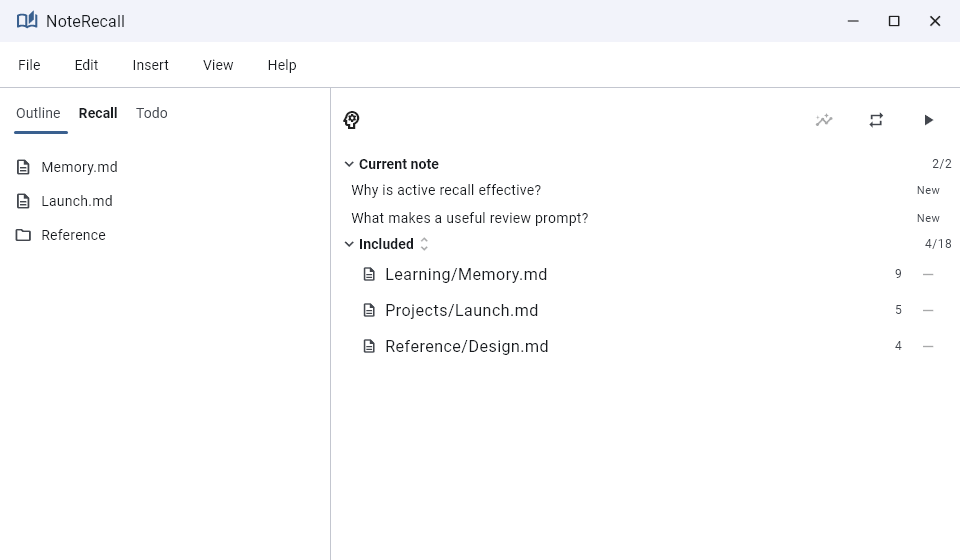
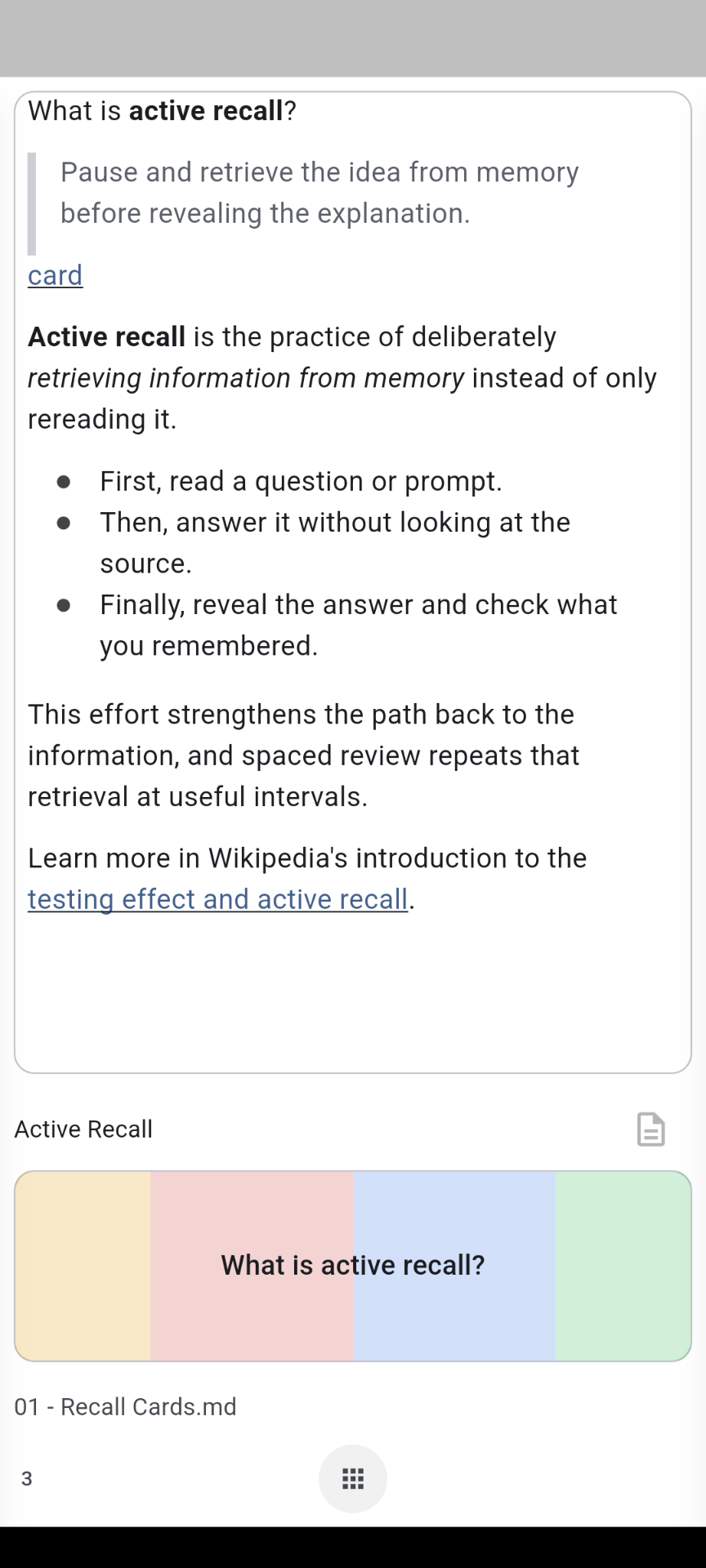
Mark useful questions inside a note, then review them through scheduled spaced practice. The source and the memory prompt stay connected.
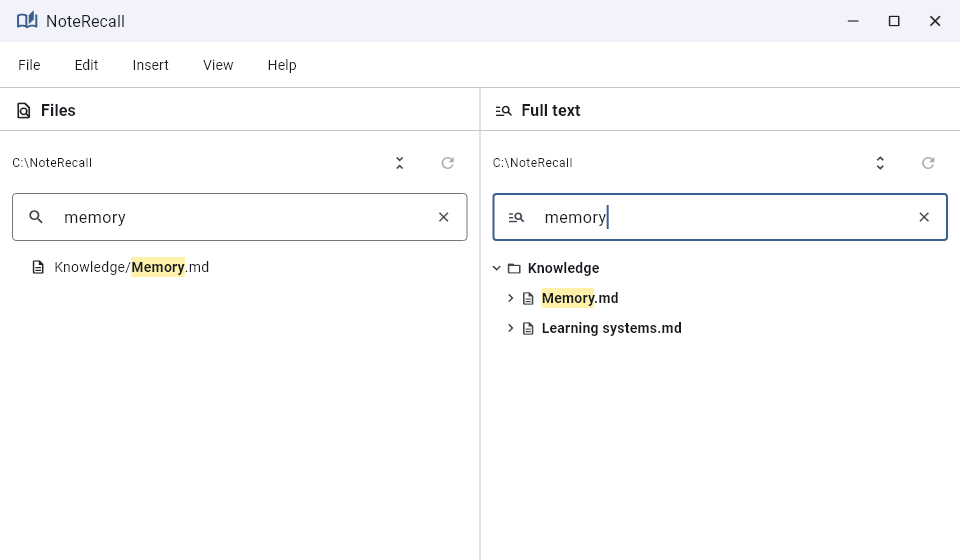
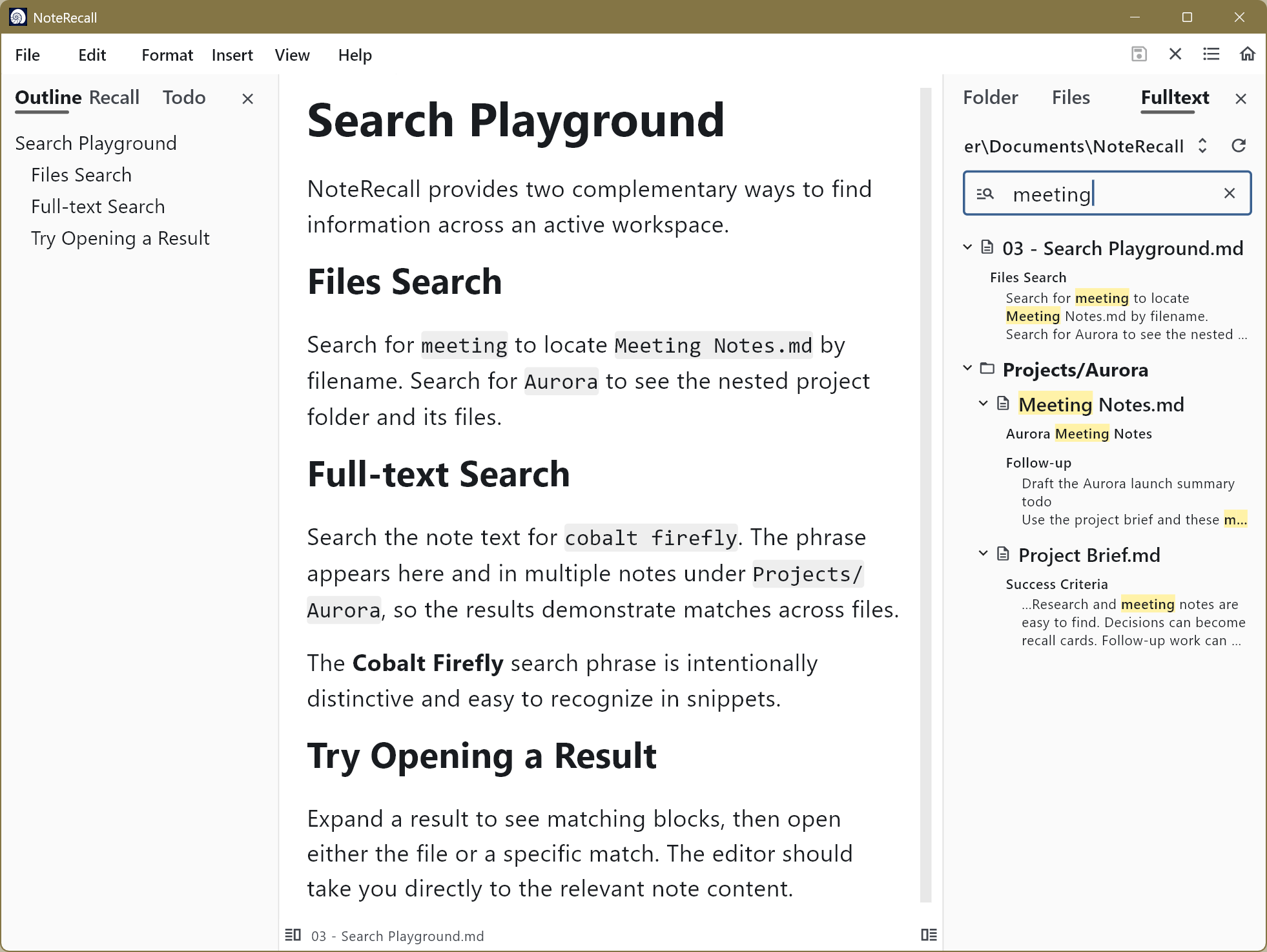
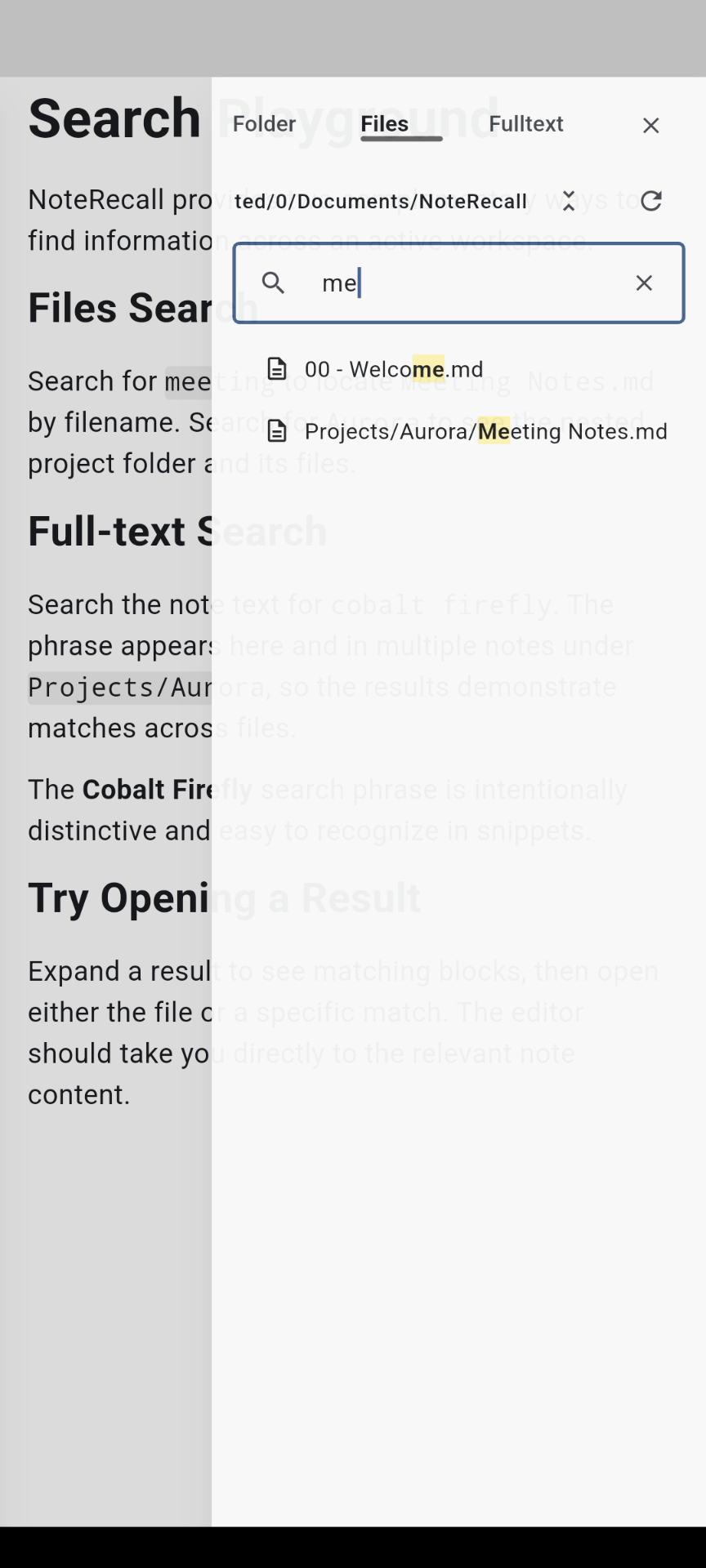
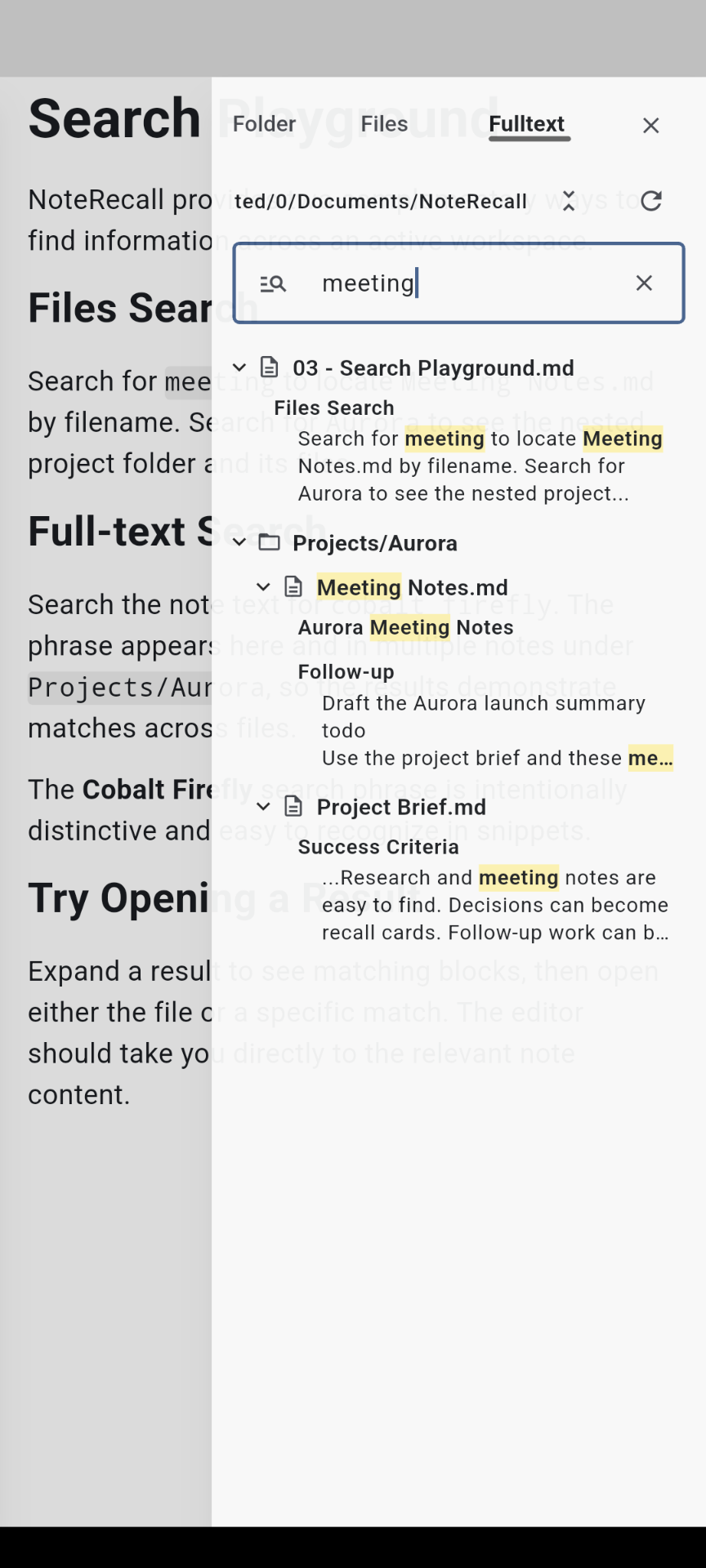
Jump to a known file by name or search across the full text of your workspace. Results stay organized by folder so context is never far away.
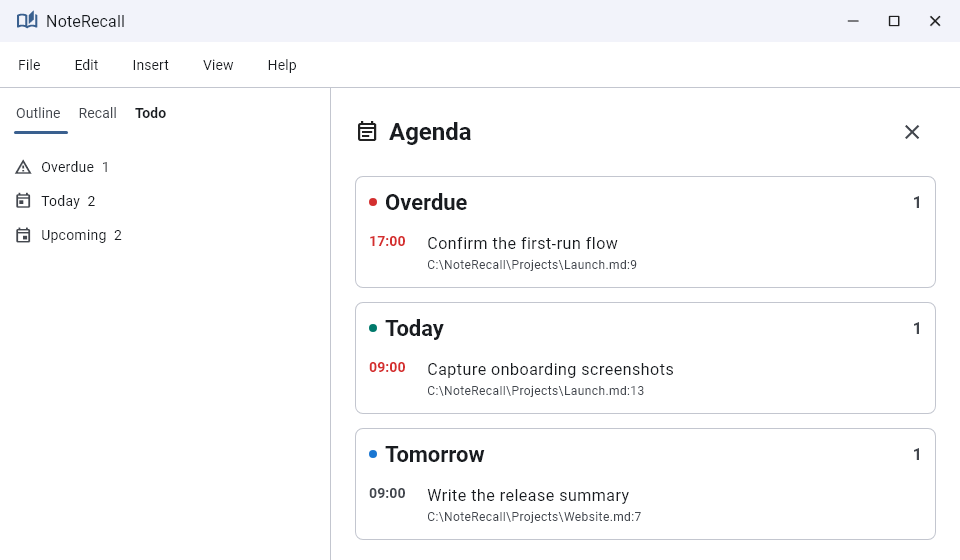
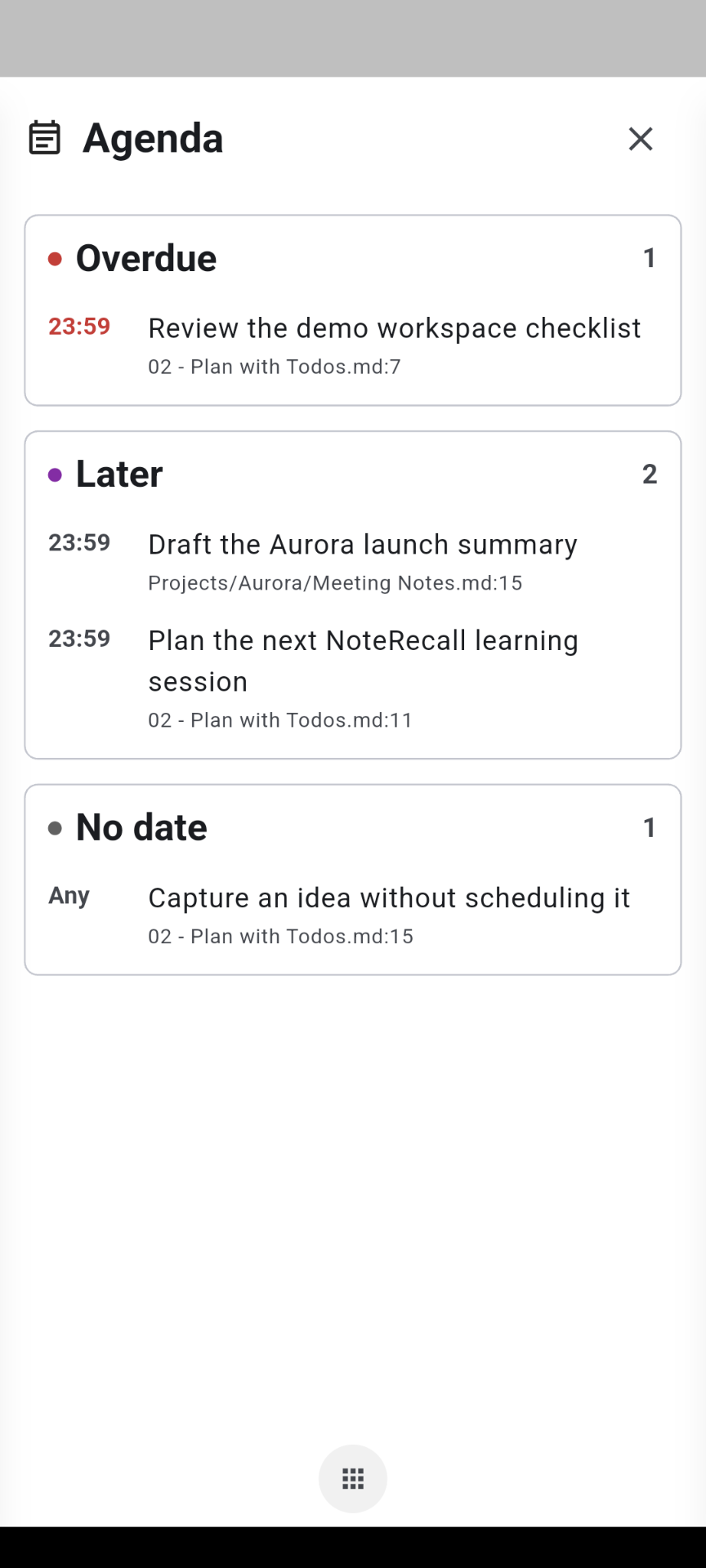
Add todos directly to notes and see them together in Agenda. Move between the task and its source without rebuilding your thinking in a second system.
Built for everyday use
Efficiency is more than speed. It is having fewer steps between opening the app and doing the work, with small details that keep the flow natural day after day.
Move from an idea to a real note without a long setup or a trail of screens.
Useful shortcuts, clear context, and careful interactions remove friction from repeated work.
Use local folders for direct control or a cloud workspace for access across devices.
Use tables, images, audio, math, diagrams, and generated tables of contents.
Keep multiple tabs open and arrange notes in split editor panes.
Export notes to HTML or PDF when they need to leave the workspace.